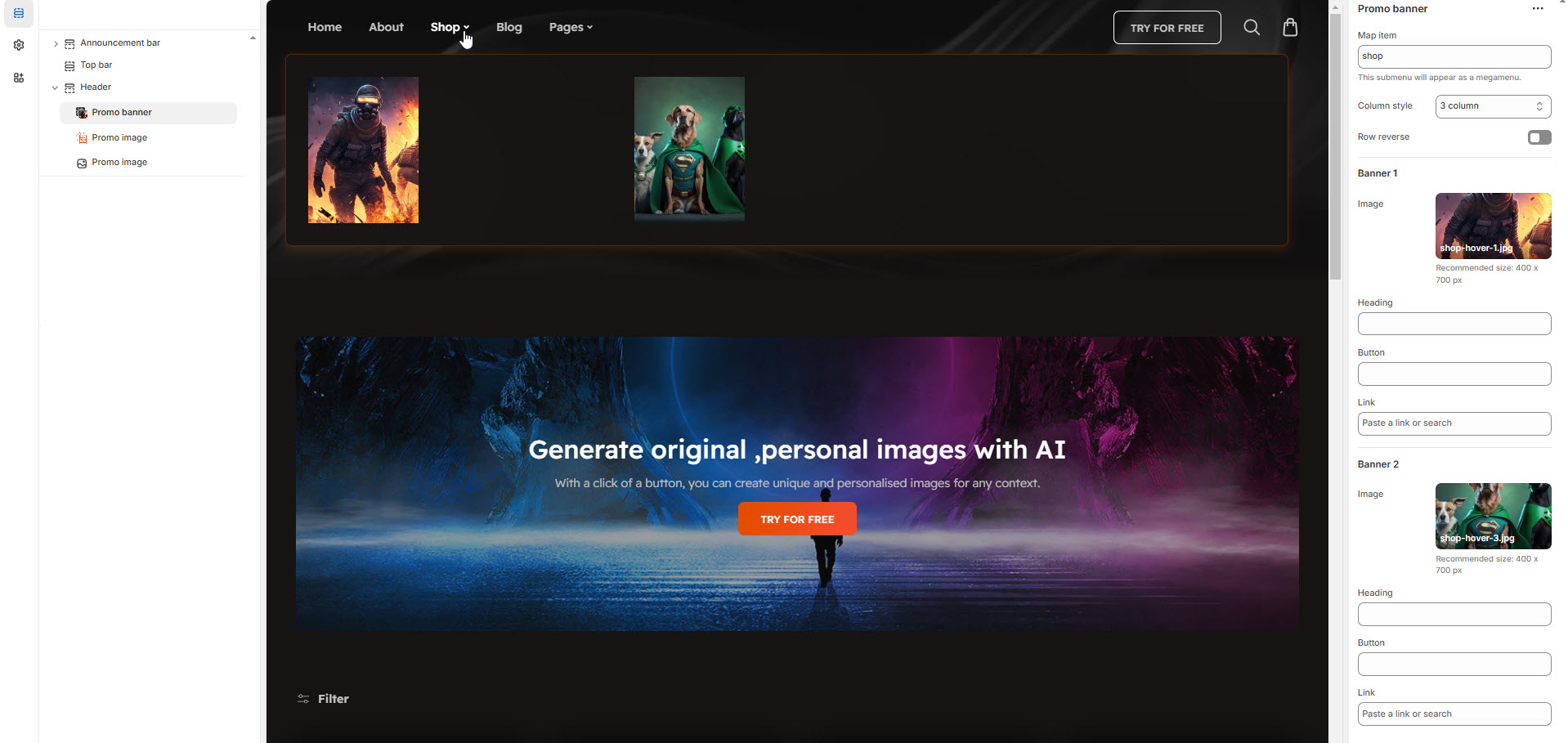
Mega menu with Promo Banner
The Promo Banner feature allows you to display promotional banners within a megamenu, enhancing navigation with visual content such as special offers, featured products, or announcements.
Go to Shopify Admin > Online Store > Themes.
Click Customize on your active theme.
Navigate to Header Section >Add block > Add Promo Banner.
Configure the settings as needed.
Map Item: Add the navigation menu name to map item to promo banner
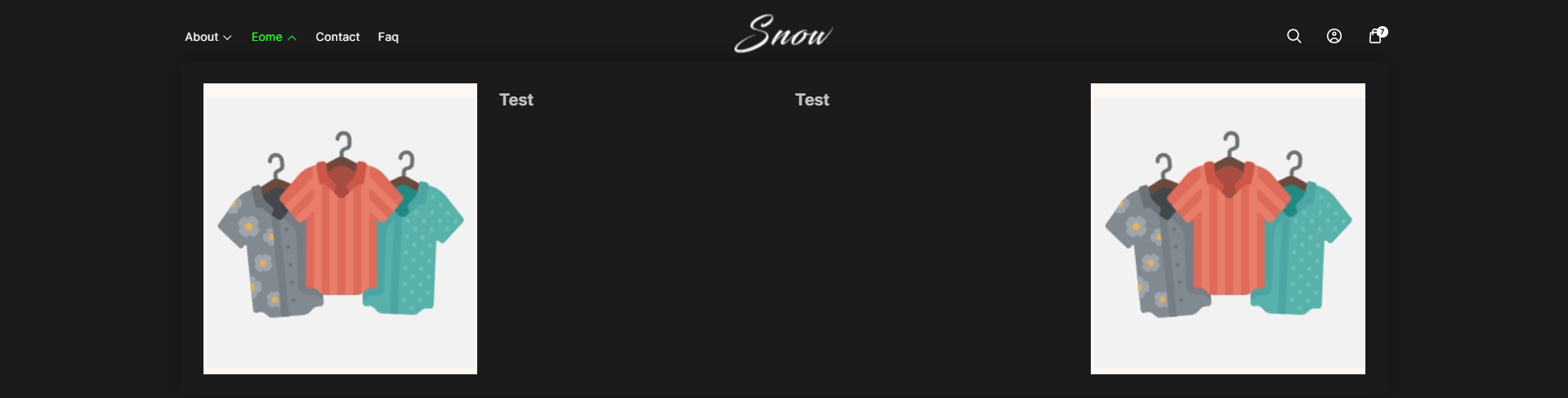
Column Style: You can select the column layout based on the theme requirements. Available options include (3, 4, 5, 6, and 1:1:2 columns.)
Row Reverse: Enable to swap the row order of banners and text in promo banner of the megamenu.
Each column can include an image, heading, button, and link add as require to the theme.
Image :Upload the image to the banner
Heading: Add a title.
Button: Customize button text.
Link: Add a destination URL.